Ready for rehearsal. Ready for Sunday.
A worship player built around separate piano and choir tracks, service preparation, and the moments when the plan changes.
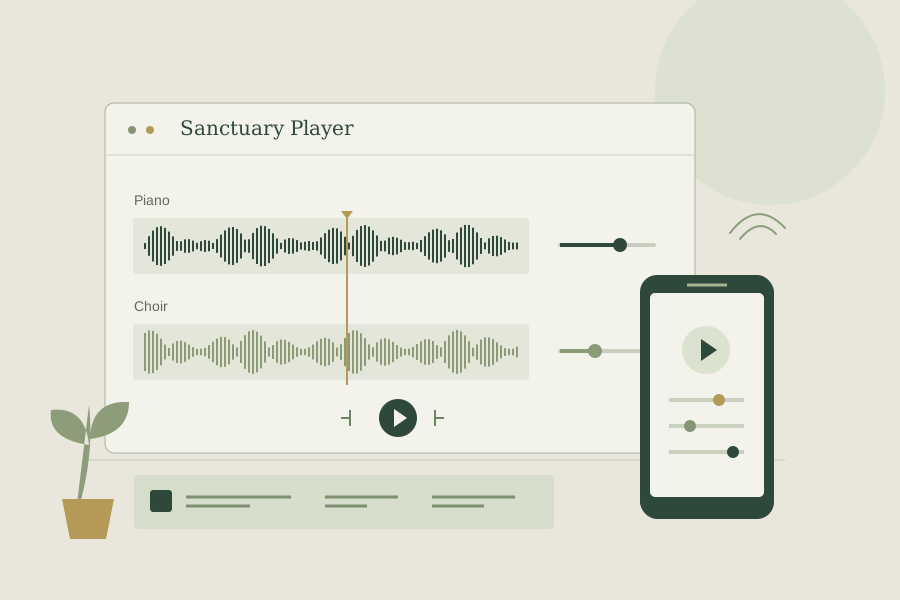
Two audio stems
Independent piano and choir mix
Local audio library
Desktop and browser storage
Phone remote
Pairing with host approval
Built around the way we rehearse
I work with live sound and church production regularly, so this project comes from a setting I know well. Sometimes I need the piano part, sometimes the choir part, and sometimes I need both at different levels. I wanted those controls in one place, with a service already organized before we start.
Sanctuary Player gives each song separate piano and choir tracks. I can adjust, mute, or solo either part, control the overall volume, and arrange songs into service setlists. Each slot can keep its own piano and choir mix.
More than pressing play
Rehearsal usually means going back to a specific section and working through it again. The player has a waveform generated from decoded audio, named cues, A-B loops, and an optional saved position so I can pick up where I left off.
I also included editable fades and cut regions, with controls for the transition around a skipped section. A panic stop fades the playback out when I need to stop quickly. The point is to make the changes that come up during a rehearsal or service practical to handle.
One interface, two local storage paths
The frontend uses Vue 3, TypeScript, and Pinia. The desktop application uses Tauri 2 and a Rust backend, with song information, service information, settings, and imported audio stored in SQLite. The browser version uses IndexedDB for its records and audio.
On desktop, a custom media protocol serves audio from SQLite with support for byte-range requests. In the browser, playback uses object URLs for locally stored audio. Both paths keep the audio on the device. Local playback does not need the remote-control relay.
I coordinate playback across two audio elements, correct drift between them, and apply the mix, loops, fades, and cut transitions through shared player state. Keeping those behaviors together matters when the controls need to respond consistently.
Controlling the host from a phone
The same site has a phone-friendly remote view. A controller joins with a six-digit pairing code, and the host approves the connection. Both connect outward to a Bun WebSocket relay, so they do not have to be on the same network.
The relay forwards playback commands and state, including mix and service controls. The audio stays on the host. That lets the phone act as a controller for the player that is already connected to the sound system.
Relay sessions live in memory. Restarting the relay requires pairing again. Remote control needs a network connection even though local playback and local storage do not.
Preparing, keeping, and sharing the work
The application also includes library backup and restore, a print-friendly setlist, a fullscreen Now Playing view, and operating-system media controls. Where the browser supports output-device selection, each track can use a separate audio output.
What I like about this project is how many pieces have to work together: the player, local storage, service preparation, rehearsal controls, and the remote connection. They all serve the same goal of making the software useful in the room.
You can view the source on GitHub for the player, local storage, and remote-control implementation.